

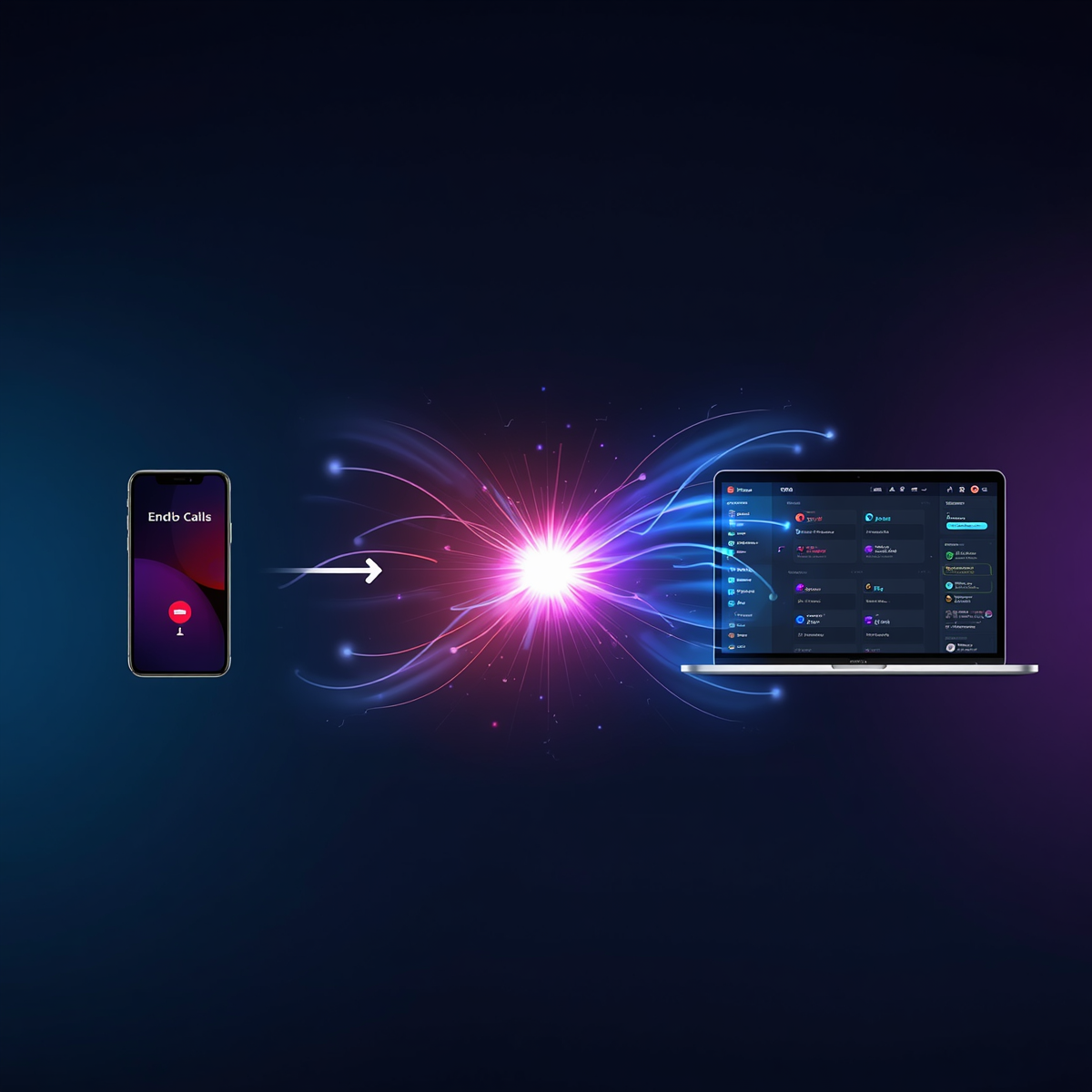
Retell AI monday.com Integration

Bring AI voice agents directly into your monday.com workflows with the custom Retell AI app built

Retell AI Features for monday.com

The Retell AI app for monday.com helps you:

  • Trigger and manage AI voice agents directly from boards
  • Send data from monday.com into Retell AI 
  • Run workflows using Retell AI recipes 
  • Build voice-based support bots, sales flows, or automated call systems 
  • Improve your automation with natural-sounding AI voice calls

    Built for:

Use Cases

Streamline your communication workflows with intelligent automation that connects your CRM to AI-powered calling. From initiating outbound calls to updating call outcomes in real-time, eliminate manual tasks and keep your data perfectly in sync.

Automated outbound calls from monday.com

Overview
Trigger AI-powered phone calls automatically based on updates in your monday.com board.

How it works:

  1. Trigger: monday.com Event
    Start the workflow when a specific status or column changes in your monday board (e.g., lead status updated).
  2. Connect Retell AI (Required)
    Securely connect your Retell AI account by adding your API key. This is required for all Retell-based automations.
  3. Configure Call Settings
    • Select your Retell phone number
    • Choose the monday.com column containing the phone number
    • Map a column for Caller ID or contact reference
  4. Action: Make a Phone Call (Retell AI)
    Instantly trigger an AI-powered call to the contact based on your workflow conditions.

Result:
Your team can automatically reach out to leads or customers the moment their status changes — no manual calling needed.

Update monday.com when call end​s

Overview
Automatically track and update call outcomes in monday.com when a Retell AI call is completed.

How it works:

  1. Trigger: Call Ended (Retell AI)
    The workflow starts when a call handled by Retell AI ends.
  2. Connect Retell AI (Required)
    Add your Retell API key to enable the automation.
  3. Select AI Agent
    Choose the specific Retell AI agent used for the calls you want to track.
  4. Action: Update Item in monday.com
    • Match the call using a Call ID column
    • Update relevant fields such as:
      • Call status (Completed, Missed, etc.)
      • Notes or outcomes
      • Any custom columns


Result:

Keep your CRM automatically updated with real-time call results, ensuring your team always has the latest information.

Built for Speed, Accuracy, and Scale

These intelligent workflows remove repetitive manual effort, reduce response times, and ensure seamless communication between your CRM and AI calling systems.

By automating both outbound engagement and data synchronization, your team can focus on what truly matters—closing deals and building stronger customer relationships.

How to Install & Use the Retell AI App (Step-by-Step Guide)

Follow these quick steps to install the Retell AI app and start using it inside your monday.com workspace.

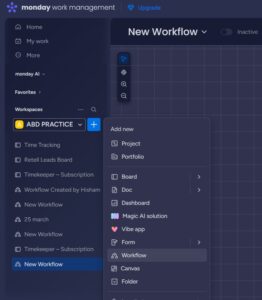
Once the application is installed, navigate to “Add Item” within your workspace and select “Workflow” to begin.
 

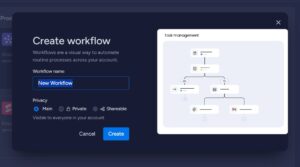
Enter a suitable name for your workflow and click on the “Create” button to proceed.
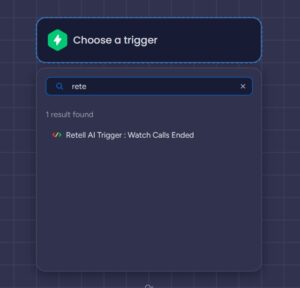
Click on “Choose a Trigger”.
If you want to monitor calls, you can either browse the available options or search for “Retell AI” to access its trigger functionalities.
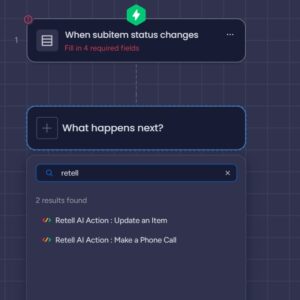
Similarly, in the Action section, search for “Retell AI” to view and select from the available actions.
Let’s Build Something Great Together

Explore our powerful suite of custom apps and automation solutions designed to streamline your business or book a consultation to get tailored guidance for your needs.

The Digital Growth Community

Unlock the power of Make.com

Join Our Exclusive Skool Community And Start Building Smarter Wrokflows Today!