ClockIn - Personal Time Tracker
For monday.com
For monday.com
Track Project Time with Precision
Boost Team Productivity & Accurate Billing. Simple, efficient time tracking for every task and team member.
Start tracking, log automatically, and analyze instantly. ClockIn’s core features are built to eliminate manual work and keep every project on time and on budget.
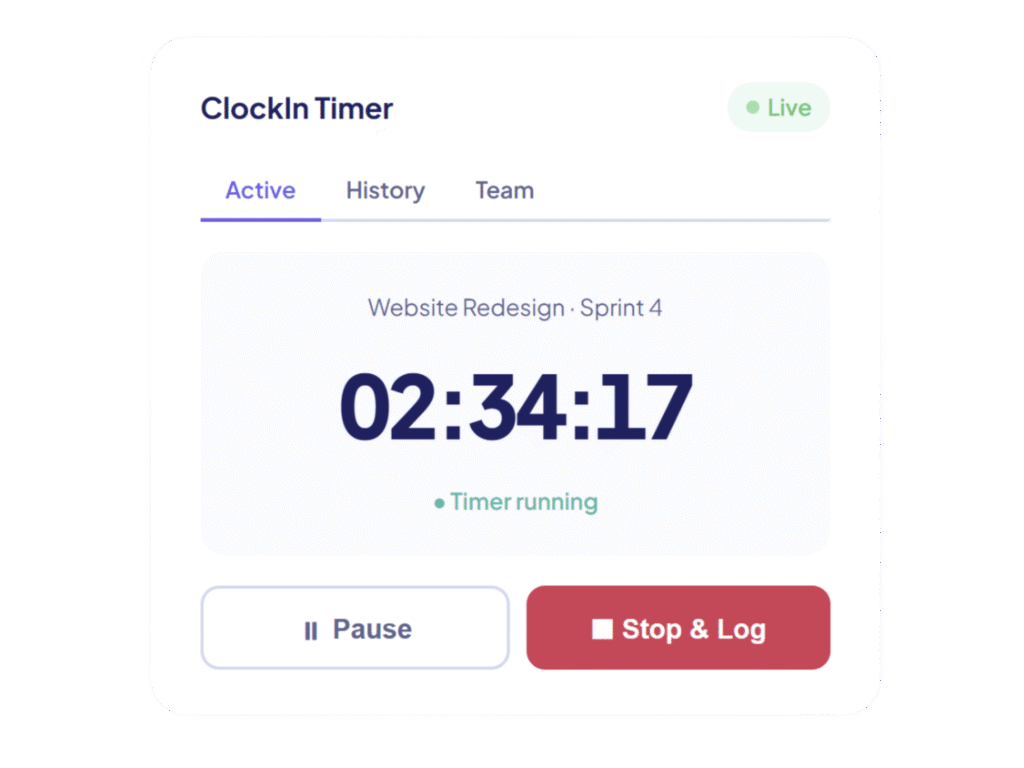
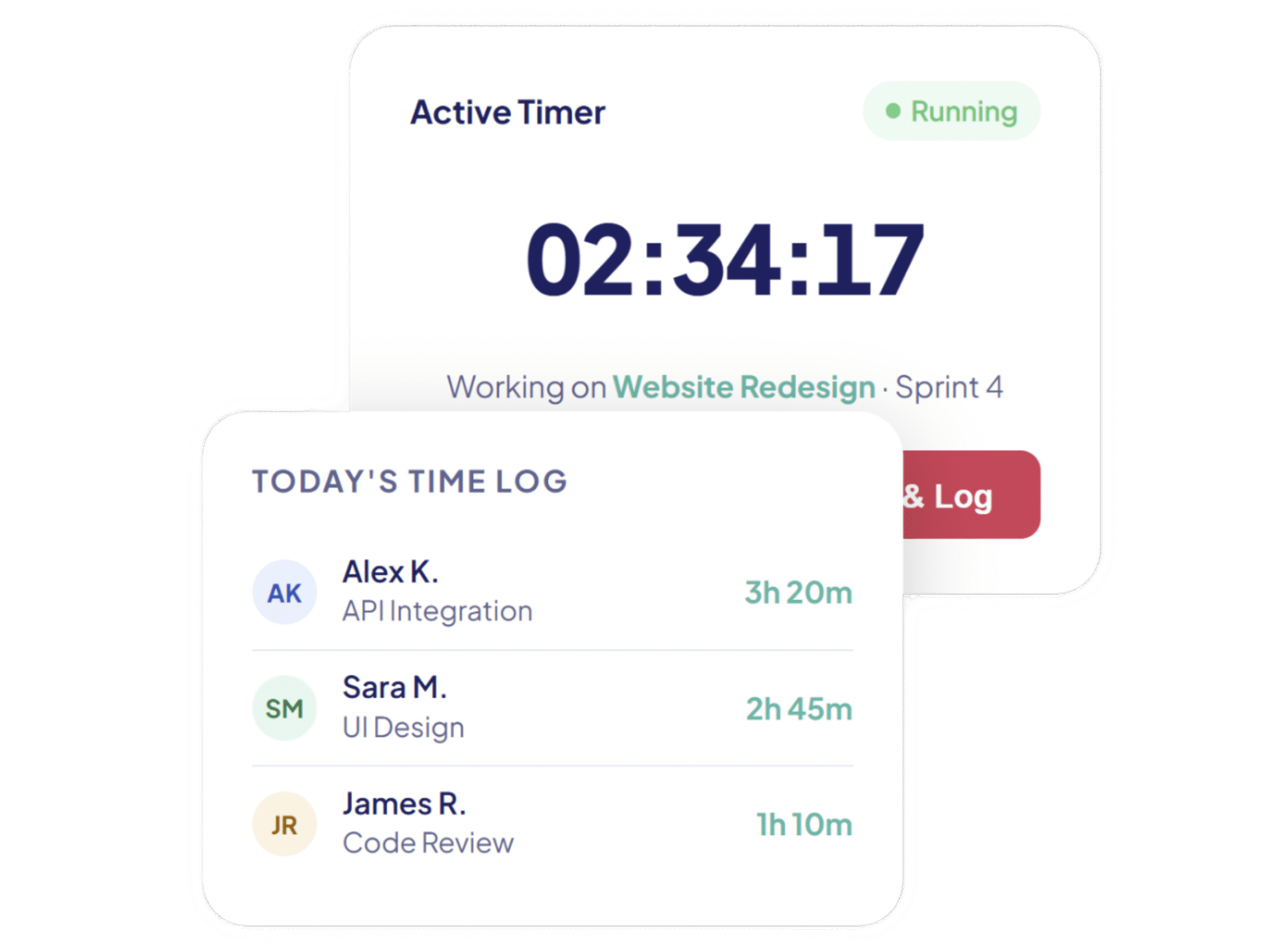
Start and stop timers directly from the app while working on assigned projects or tasks. Timers continue running in the background, so you can navigate freely without losing track of a single second.
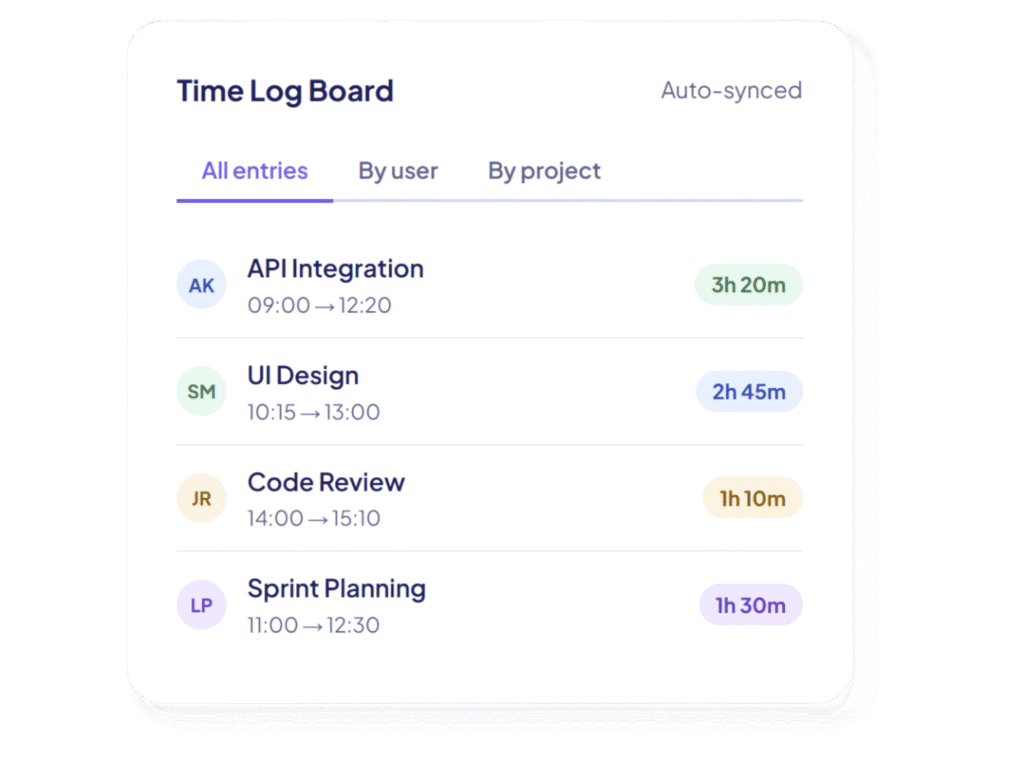
Each user tracks and manages their own time entries, ensuring clear accountability and accurate records. Every session is automatically recorded in a dedicated time log board with user details, project information, start/end times, and duration in hours.
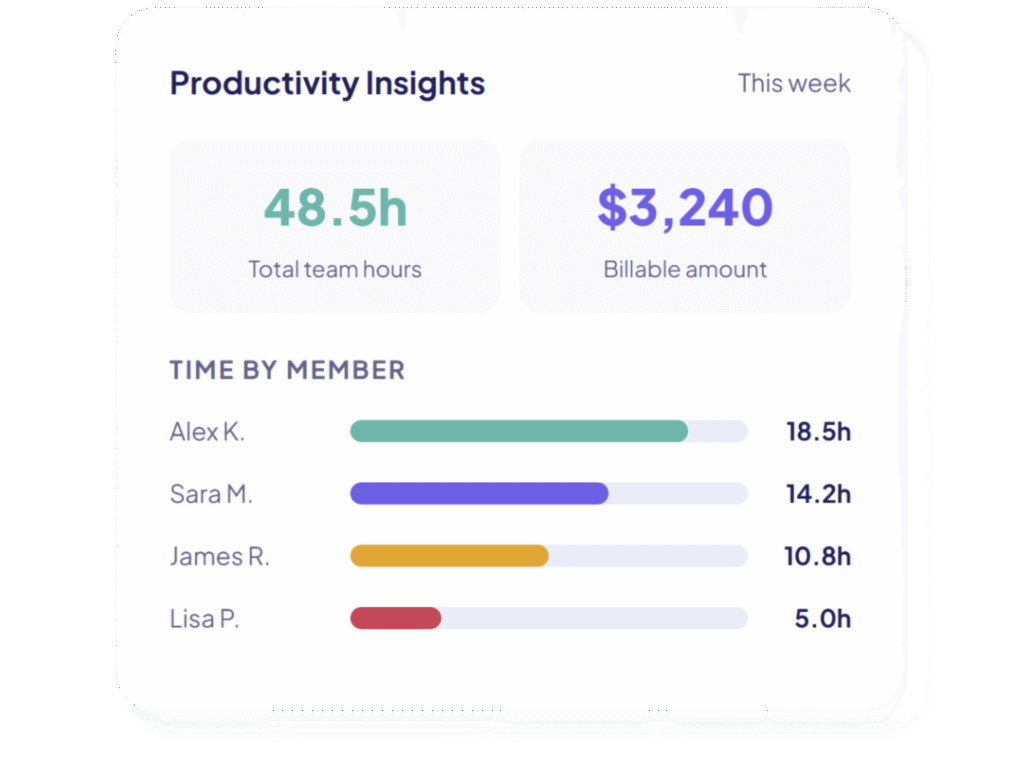
Analyze how much time each team member spends on different tasks and projects. Calculate productivity metrics and generate billing amounts based on hourly rates — making invoicing and cost estimation effortless and precise.
ClockIn was designed from the ground up for monday.com teams who know that time is their most valuable resource. Whether you’re billing clients, managing workloads, or simply staying accountable. ClockIn gives you the clarity and control you need, right where you already work.
Note: Guest users are not supported. Please use a full member account to access this app.
Improve time visibility across all projects with a single clear dashboard.
Maintain precise work activity records with zero manual entry required.
Distribute work fairly and spot overloaded team members instantly.
Enable accurate project billing and cost estimation based on real logged hours.
Follow these quick steps to install the ClockIn app and start using it inside your monday.com workspace.
Join thousands of teams already using ClockIn on monday.com

A global digital agency building efficient, automated, and conversion-focused solutions.
Codex Solutions Int © 2026. All rights reserved